Get set up for job matching

How to create or update your Jobseeker profile

Create your Jobseeker profile online. Keep your profile up to date, to get matched with jobs that suit you.

How to create a Jobseeker profile

To get matched to jobs, you need to create a Jobseeker profile. To do this, you need to log in. When you log in for the first time, you will be taken to where you can add info to your Jobseeker profile.

You are asked about:

  • your skills and strengths
  • any work experience you have, paid or unpaid
  • any study and training you have started or completed
  • your work preferences, like location, hours and type of work.

We guide you to fill in each section of the Jobseeker profile. You can save and exit anytime, then come back later and continue where you left off.

If you have work obligations, what you put into your profile may impact your benefit.
How to update your Jobseeker profile

Updating an unfinished profile

If only some of your Jobseeker profile is finished, when you log in you will see a notification on the homepage telling you to complete it.

To complete your profile Follow the link in the notification.


Updating a finished profile

If you have already finished your profile, you can update it anytime.

Go to your Jobseeker profile under My Jobs.

From here you can update your details and change your work preferences. If you have work obligations as part of your benefit, you need to make sure your answers meet your obligations. The updates you make to your profile may impact your benefit.
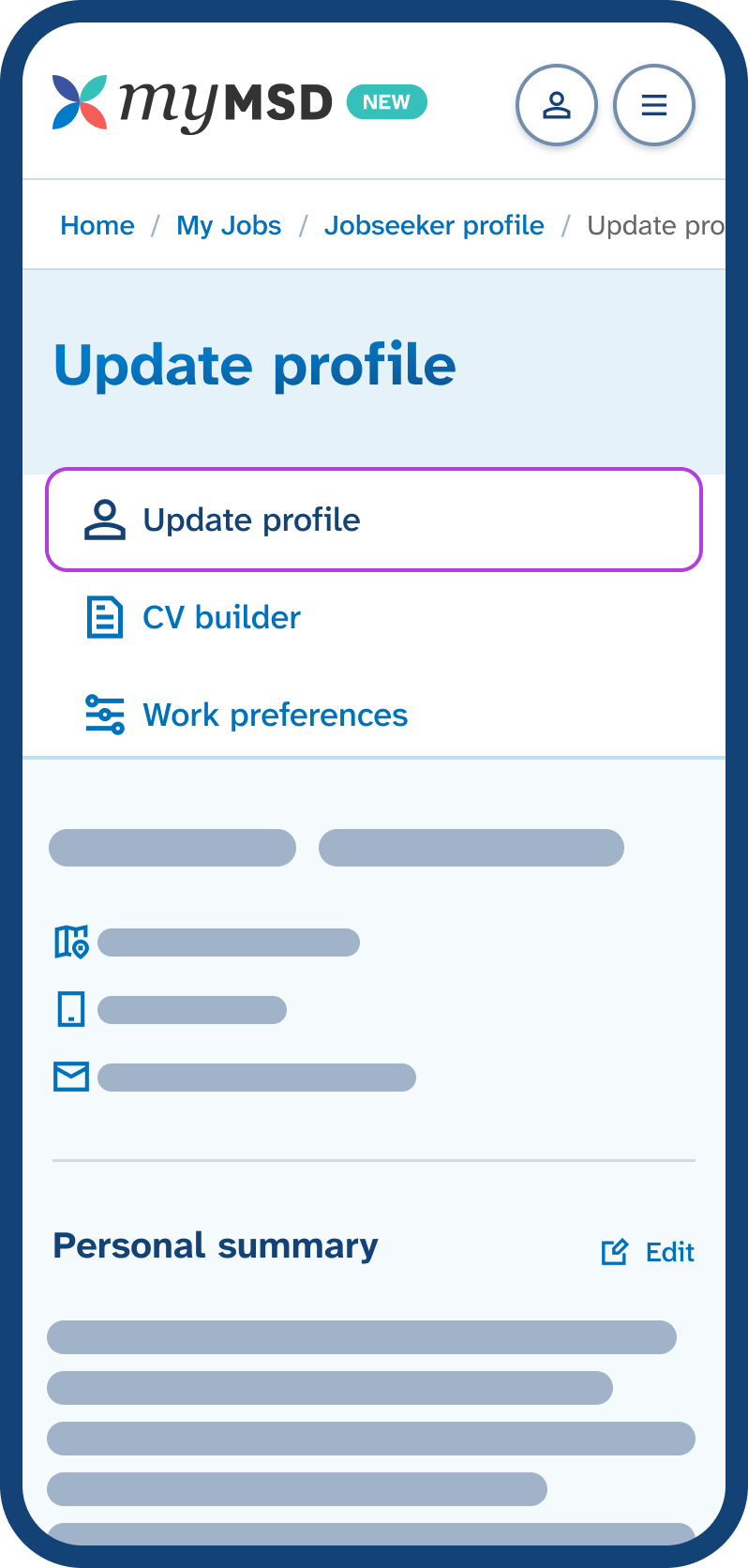
Mobile phone screen showing the Jobseeker profile menu with 'Update profile' tab highlighted, displaying the start of the profile below. Go to Update profile to update your strengths, skills, experience and education.
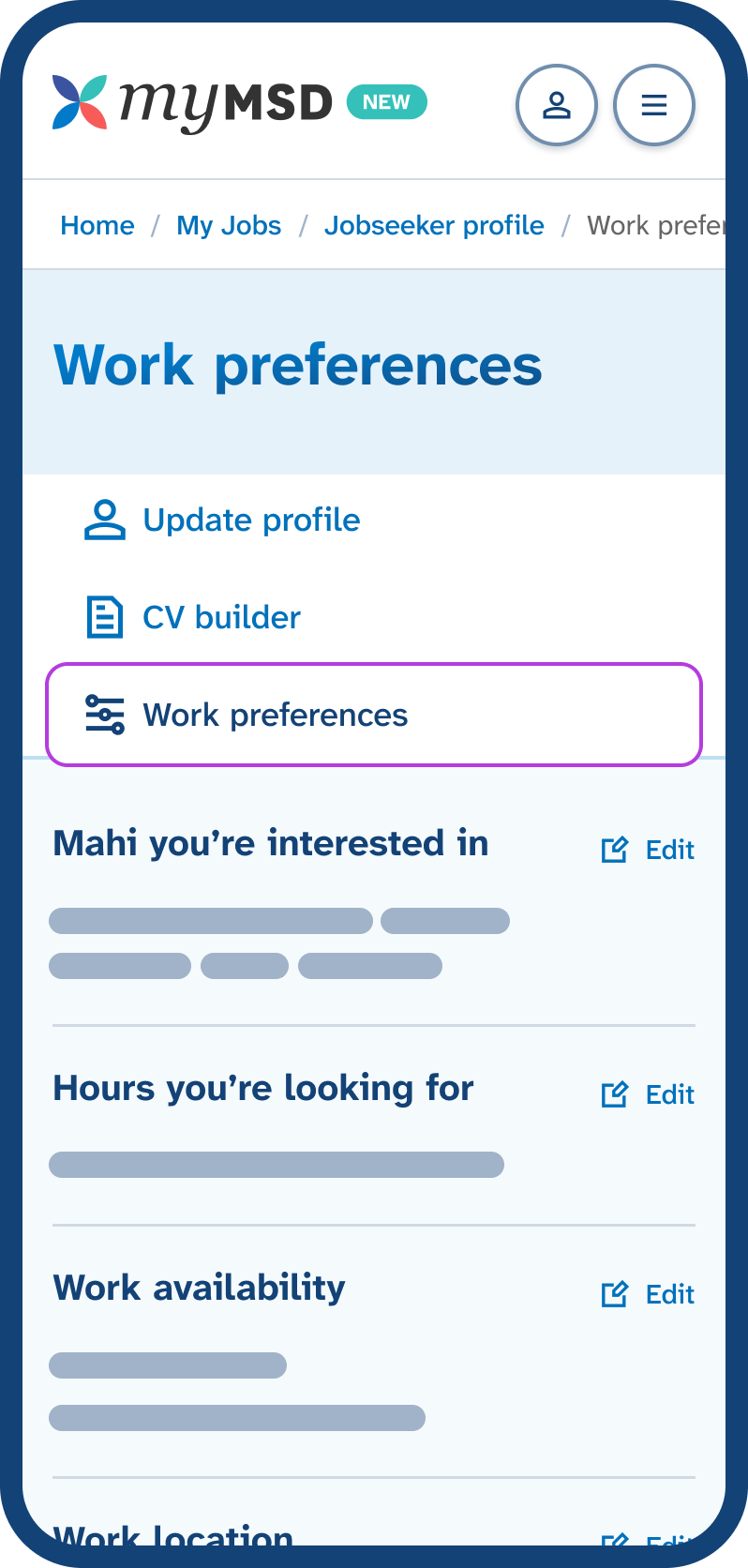
Mobile phone screen showing the Jobseeker profile menu with 'Work preferences' tab highlighted, displaying buttons below to change the work and hours you want. Go to Work preferences to update your work availability and interests.

What your Jobseeker profile is used for

We match you with jobs by comparing your Jobseeker profile with what employers are looking for.

Anyone who has a completed Jobseeker profile can use it to create a CV to apply for jobs.

If you get a benefit from Work and Income, we may look at your profile to see if we can offer more support, like training. We also check that your profile information is still up to date and we may review your benefit to make sure that you are receiving the right benefit and rate of benefit.

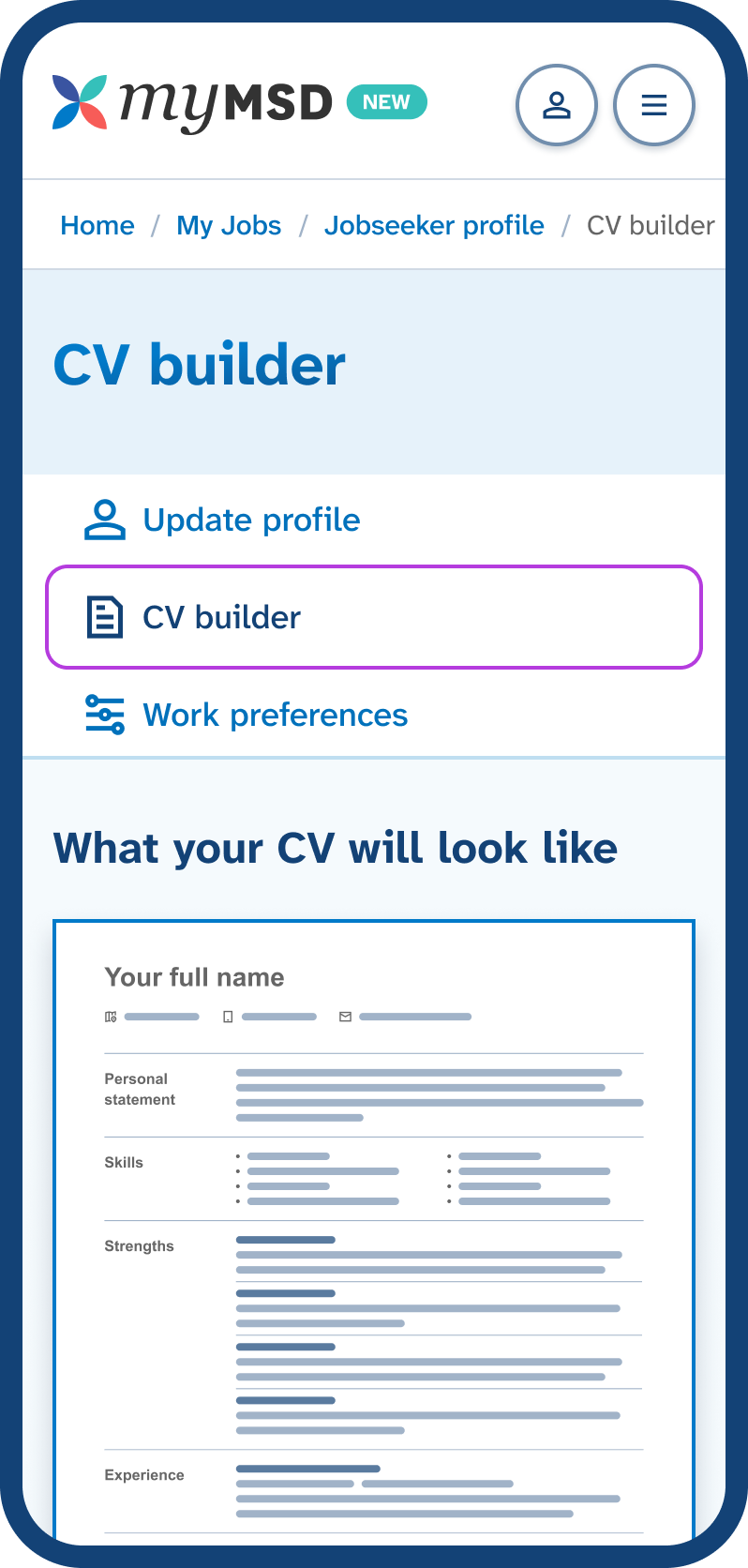
Mobile phone screen showing the Jobseeker profile menu with 'CV builder' tab highlighted, displaying a preview section titled 'What your CV will look like'. Go to CV builder to create a CV from your Jobseeker profile.

Find your next mahi with us, today

Need help? Give the job search team a call

0800779009

Open Monday to Friday, 8am to 6pm.

How to contact us if you are deaf, hard of hearing or have a speech impairment