What you need to do
Before you create a CV using the CV builder, make sure your Jobseeker profile is up to date. Add as much detail as you can — especially your skills, experience and training.
Once you’re logged in go to CV builder under My Jobs.
The CV builder creates a CV in seconds using your profile information. If you make any updates to your Jobseeker profile, download an updated version of your CV.
Your CV will download as a PDF.
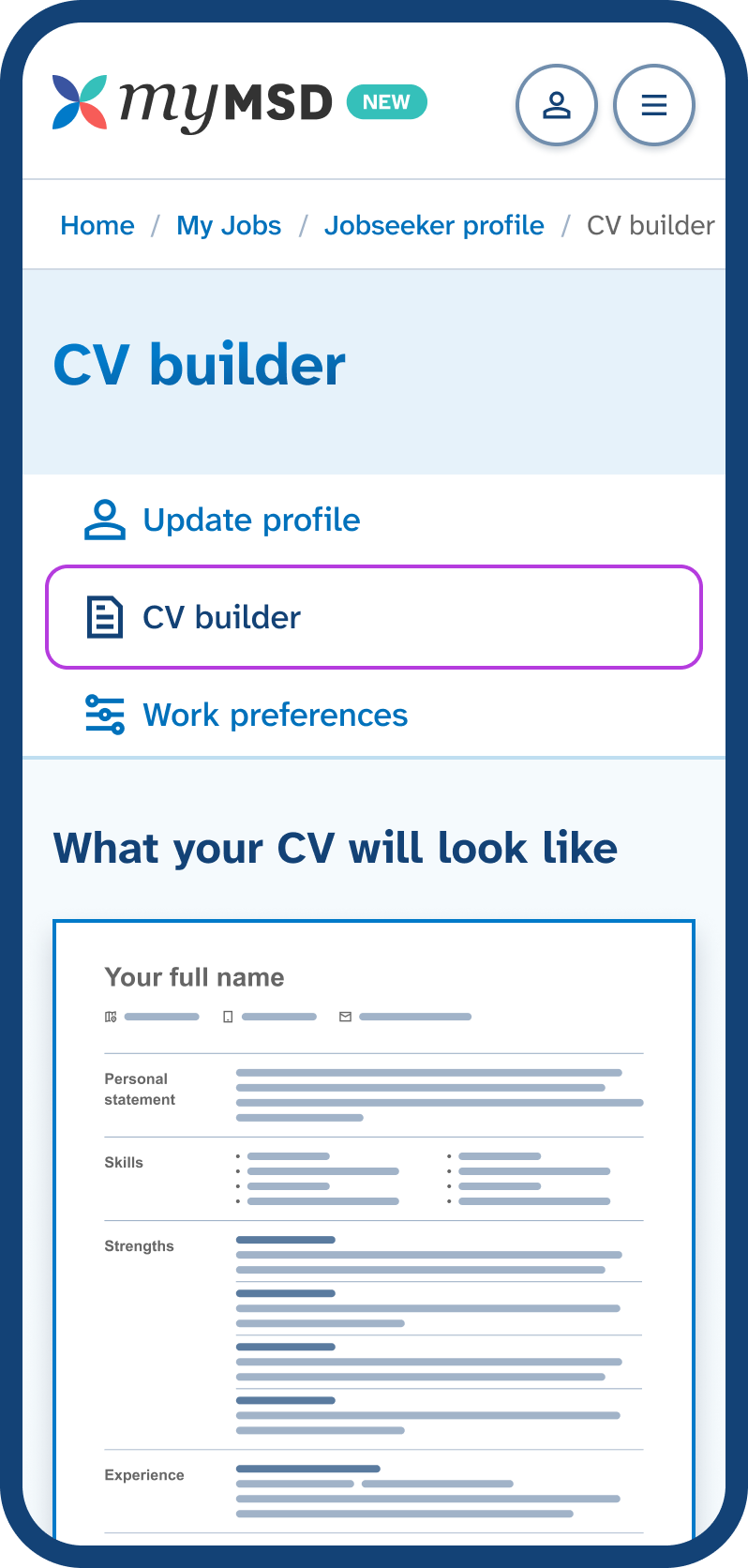 Go to CV builder to create a CV from your Jobseeker profile.
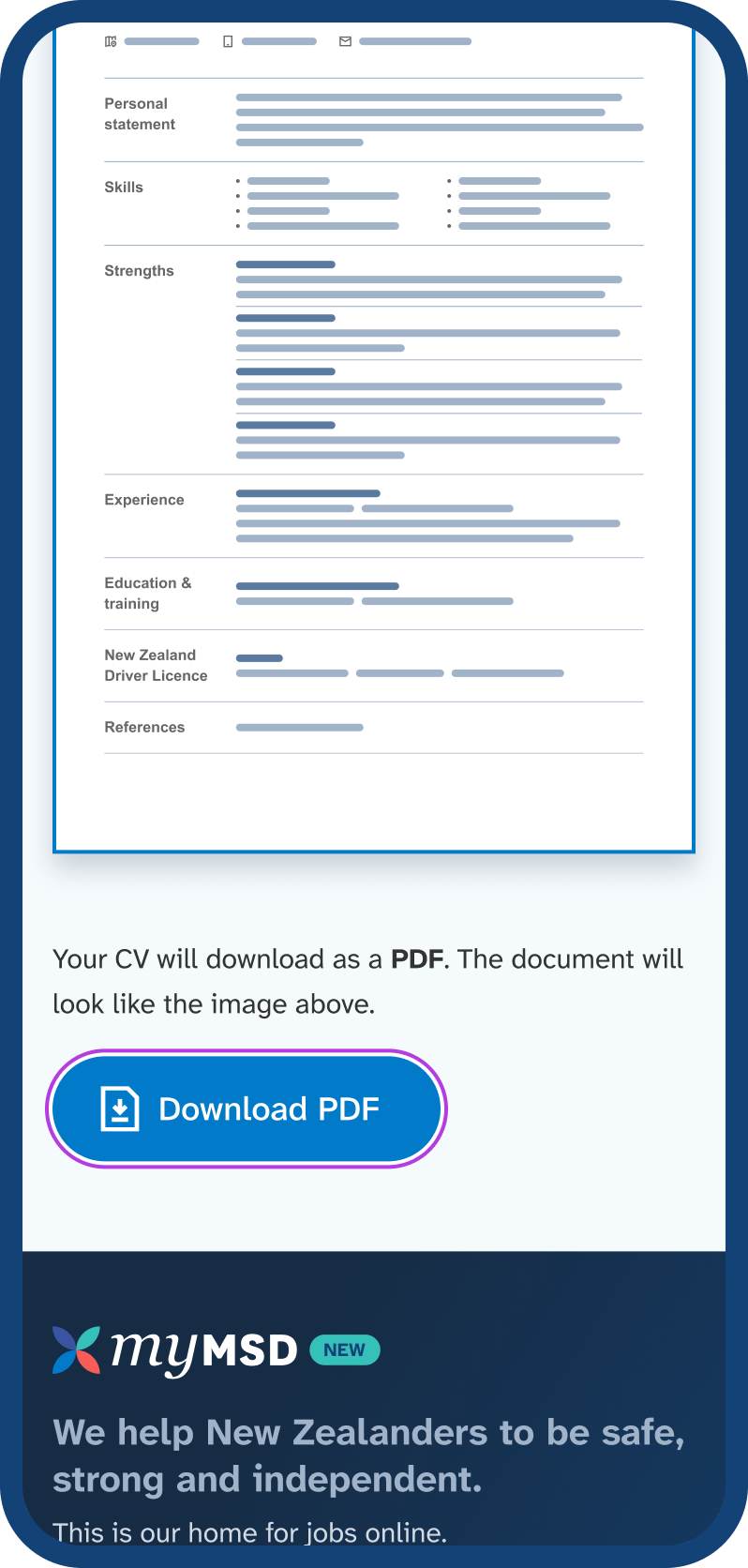 Download your CV as a PDF.
What your CV will look like
Your CV starts with your name and contact details. After that, it shows the information from your Jobseeker profile. Each section has a heading on the left and details on the right.
The sections are in this order:
- personal summary
- skills
- strengths
- work experience
- study and training
- NZ driver licence
- languages (if you added languages other than English)
- references (shown as available on request).
Jobseeker CV PDF example
Here is an example of what the CV as a PDF looks like. This is just an example, when you create your CV all of your information is shown instead.
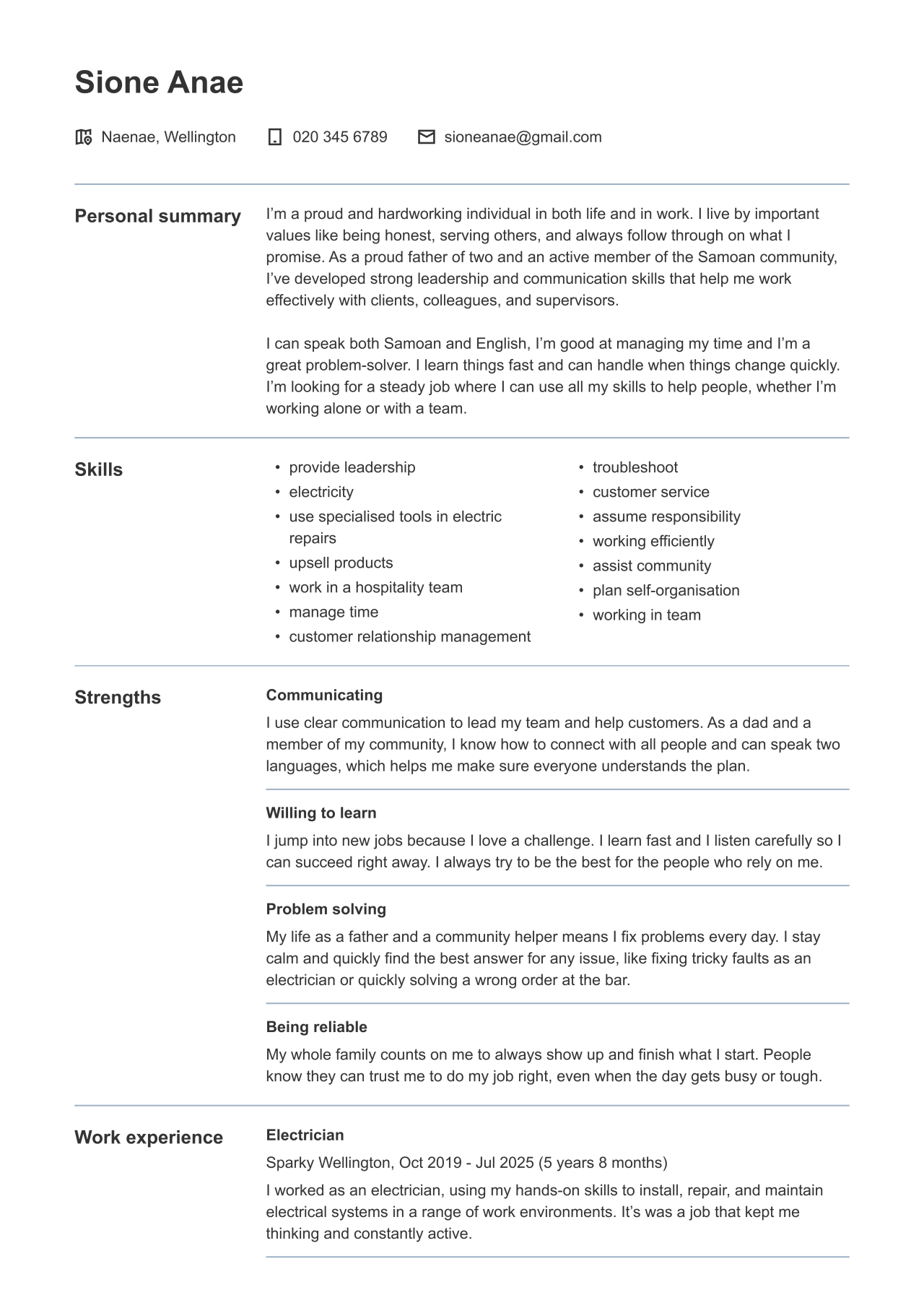 An example of the first page of the CV PDF.
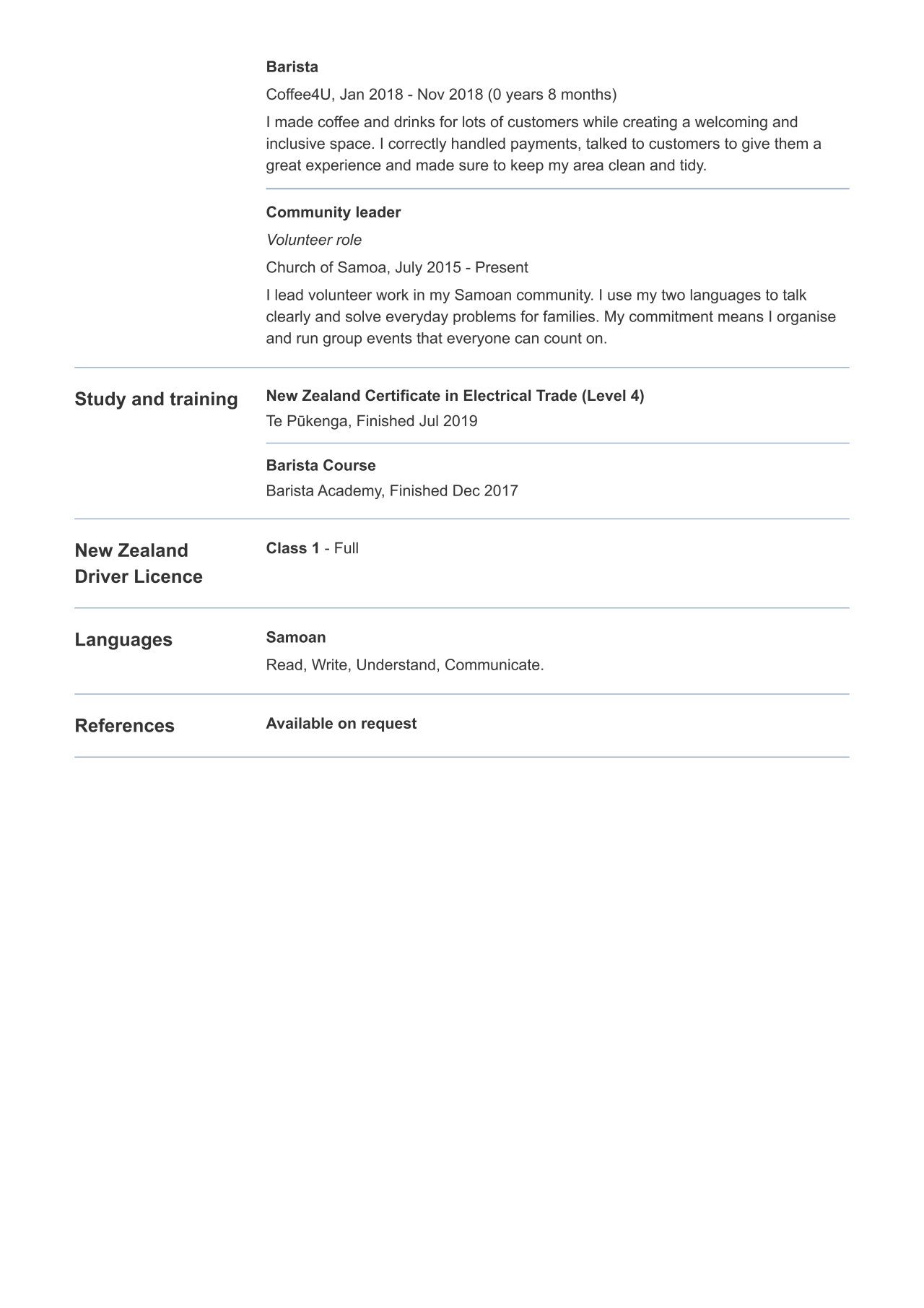 An example of the second page of the CV PDF.